
Searching For Keywords
Play 'The Research Interface' video tutorial!
To begin searching for keywords, click on the Research button in the main toolbar, and follow these steps:
- Enter a search term in the Search Term field.
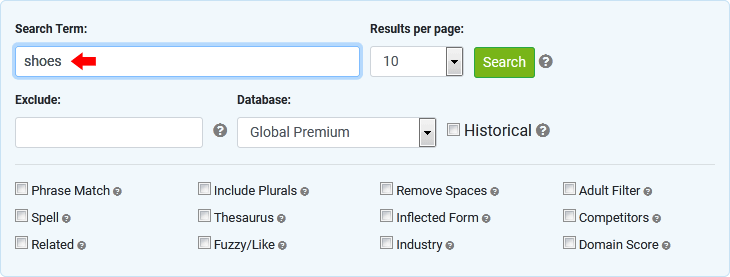
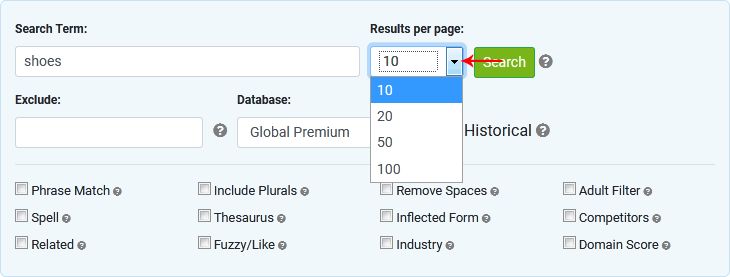
- Select the number of results to be displayed per page.
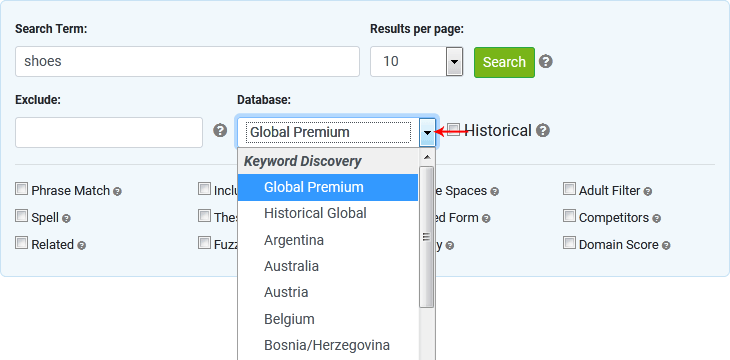
- Select a database. See the Databases manual page for details on database types.
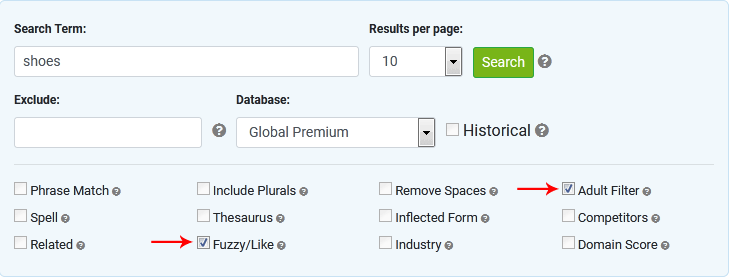
- Select search filters (optional). See the Search types manual page for details on advanced search types.
- To begin the search, click the Search button.
- The search results are displayed. The searches column displays the number of searches for the keyword over the last 12 months for Premium, Regional and Specialty databases (ebay, Shopping, News, Google, Yahoo). Respective historical databases, such as Premium Historical, Regional Historical and Specialty Historical databases are from August 2006 to present. We also have a Historical Global database that is compiled from searches collected since June 2005 to present.
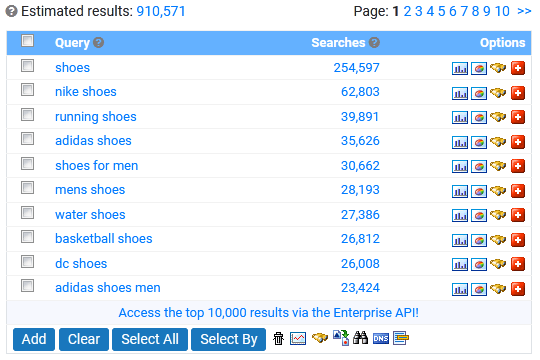
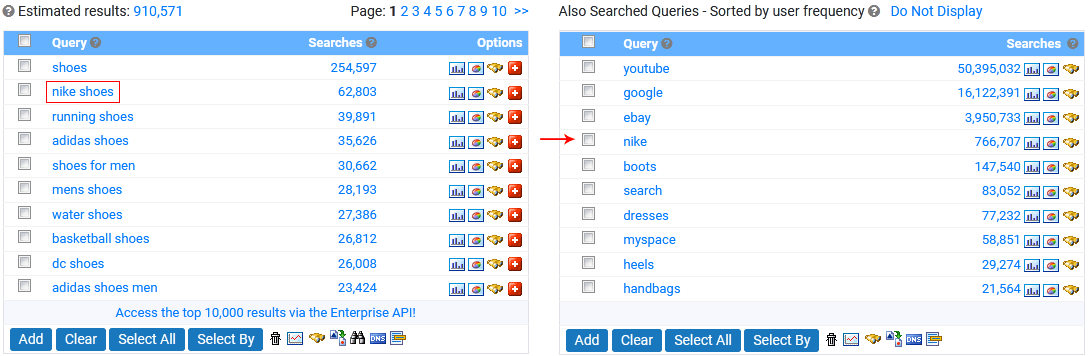
- To drill down (focus further) on a keyword, click on a keyword in the Query column. This image displays search phrases obtained by clicking on the "nike shoes" keyword.
< The Keyword Research Interface | Search Types >